Loading FLUXCADE...
Particle Studio
Loading Particle Studio...
Particle Studio
DESIGNStudio
An interactive particle studio for designing 3D wave fields with full color and physics control.
UpdatedJun 2026
ExportsPNG, JPG
Runs onAny browser
PriceFree
Overview
A dynamic design playground.
Particle Studio is a browser tool for designing animated 3D particle fields. Every particle's position, color, and behavior is computed each frame for smooth, real-time performance.
It ships with six blueprints (Flowing Waves, Helical Springs, DNA Double Helix, Toroidal Donut, Wormhole Tunnel, Quantum Sphere) and exposes the full set of controls in the right sidebar. Runs entirely in your browser; exports to PNG or JPG.
Features
Built for design-scale experimentation.
01 / Spotlight
6 blueprints
Flowing Waves, Helical Springs, DNA Double Helix, Toroidal Donut, Wormhole Tunnel, Quantum Sphere.
02
Per-particle position
Color, and mouse interaction computed in real time.
03
4 waveform functions plus twist
Twist axis, parabolic arch, and noise turbulence. 4 color palettes with editable Start/Mid/End stops.
How to use
Workflow
Steps take about a minute.
Pick a blueprint in the Geometry tab, then dial in waveform, point profile, and gradient. Use the Camera tab to switch perspective/orthographic and pick a cursor physics mode (PULL, PUSH, VORTEX, WAVE). Export from the toolbar.
Use cases
What people use it for
Creating animated 3D particle visuals for motion graphicsGenerating wave field animations with six blueprint presetsDesigning abstract particle art with gradient mapping and mouse physicsProducing high-resolution slide exports for presentations or covers
FAQ
Common questions
How are the particles computed?+
All per-particle position, color, and mouse interaction is computed on the graphics hardware for smooth performance. The controls in the sidebar adjust the parameters that drive the animation.
How many particles can it handle?+
The Particle Grid Density slider goes from 40 to 400, which is roughly 1,100 to 112,000 particles. Performance depends on your device. Parallel Ribbon Mode and Distance-Based Scaling both have additional cost.
Related
More design apps
Scene Poser
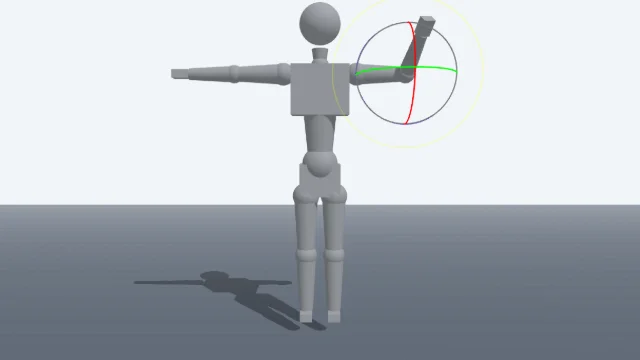
Pose 3D characters and build scenes for film and animation references.
Watercolor Painter
Interactive watercolor painting with realistic fluid dynamics and paper effects.
Voxel Art Studio
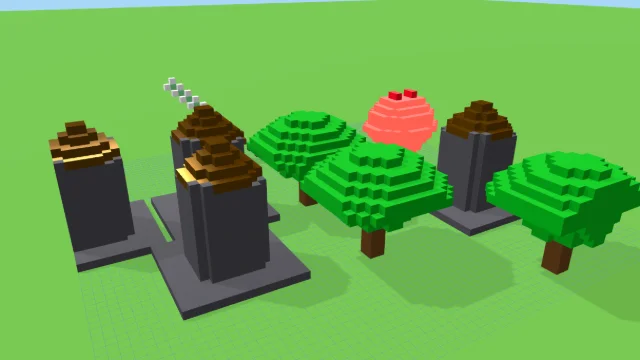
Browser-based volumetric 3D studio. Build, paint, and extrude voxels using symmetry tools and custom physical material properties (metal, glass, neon). Features an Asset Creator workspace, environment controls, and exports to OBJ, VOX, and PNG.
Pixel Art Forge
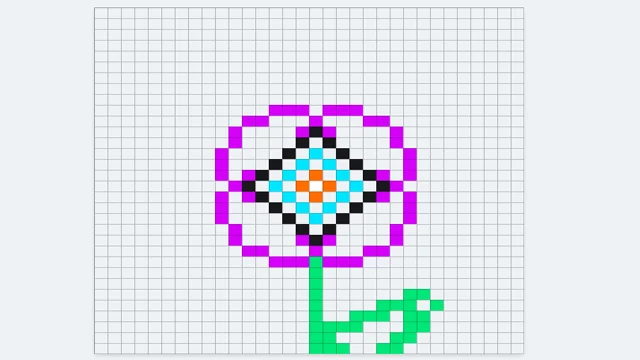
Multi-layer, multi-frame pixel art editor and animator with palette management, onion-skinning, sprite-sheet export, and image-to-pixel import.
Particle Studio
DESIGNStudio
An interactive particle studio for designing 3D wave fields with full color and physics control.
UpdatedJun 2026
ExportsPNG, JPG
Runs onAny browser
PriceFree
Overview
A dynamic design playground.
Particle Studio is a browser tool for designing animated 3D particle fields. Every particle's position, color, and behavior is computed each frame for smooth, real-time performance.
It ships with six blueprints (Flowing Waves, Helical Springs, DNA Double Helix, Toroidal Donut, Wormhole Tunnel, Quantum Sphere) and exposes the full set of controls in the right sidebar. Runs entirely in your browser; exports to PNG or JPG.
Features
Built for design-scale experimentation.
01 / Spotlight
6 blueprints
Flowing Waves, Helical Springs, DNA Double Helix, Toroidal Donut, Wormhole Tunnel, Quantum Sphere.
02
Per-particle position
Color, and mouse interaction computed in real time.
03
4 waveform functions plus twist
Twist axis, parabolic arch, and noise turbulence. 4 color palettes with editable Start/Mid/End stops.
How to use
Workflow
Steps take about a minute.
Pick a blueprint in the Geometry tab, then dial in waveform, point profile, and gradient. Use the Camera tab to switch perspective/orthographic and pick a cursor physics mode (PULL, PUSH, VORTEX, WAVE). Export from the toolbar.
Use cases
What people use it for
Creating animated 3D particle visuals for motion graphicsGenerating wave field animations with six blueprint presetsDesigning abstract particle art with gradient mapping and mouse physicsProducing high-resolution slide exports for presentations or covers
FAQ
Common questions
How are the particles computed?+
All per-particle position, color, and mouse interaction is computed on the graphics hardware for smooth performance. The controls in the sidebar adjust the parameters that drive the animation.
How many particles can it handle?+
The Particle Grid Density slider goes from 40 to 400, which is roughly 1,100 to 112,000 particles. Performance depends on your device. Parallel Ribbon Mode and Distance-Based Scaling both have additional cost.
Related
More design apps
Scene Poser
Pose 3D characters and build scenes for film and animation references.
Watercolor Painter
Interactive watercolor painting with realistic fluid dynamics and paper effects.
Voxel Art Studio
Browser-based volumetric 3D studio. Build, paint, and extrude voxels using symmetry tools and custom physical material properties (metal, glass, neon). Features an Asset Creator workspace, environment controls, and exports to OBJ, VOX, and PNG.
Pixel Art Forge
Multi-layer, multi-frame pixel art editor and animator with palette management, onion-skinning, sprite-sheet export, and image-to-pixel import.