Loading FLUXCADE...
Pixel Font Studio
Loading Pixel Font Studio...
Pixel Font Studio
DESIGNStudio
A bitmap font designer with a per-glyph editor, live preview, sprite-sheet, SVG, and TTF export.
UpdatedJun 2026
ExportsTTF, PNG, JPG
Runs onAny browser
PriceFree
Overview
A dynamic design playground.
Pixel Font Studio is a browser-based bitmap font designer. You draw each glyph as a 2D grid, then preview the alphabet in any sample text, or compile to JSON, SVG, sprite-sheet PNG, or a real installable TTF font file.
The app ships with a Classic Arcade 8x8 monospace starter font covering 65 glyphs (A-Z, a-z, 0-9, and `!`, `?`, `.`). The full supported set is 93 characters; the remaining 28 punctuation marks start blank.
Features
Built for design-scale experimentation.
01 / Spotlight
Per-glyph editor with brush
Eraser, fill, line, rectangle, circle, and an 8-handle transform gizmo.
02
Inspector controls grid
Resolution (2-64), per-pixel shape (11 options), and global block spacing.
03
Exports
installable TTF font file, per-glyph SVG, full SVG sheet, and a sprite-sheet PNG assembler.
How to use
Workflow
Steps take about a minute.
Click 'Load Classic Arcade Font' in the Inspector to start from a preset, or 'Wipe Project' to begin blank. Pick a letter from the Characters grid, draw with the brush, and watch the Preview tab update live. Export TTF, SVG, or sprite sheet from the Export tab.
Use cases
What people use it for
Designing custom bitmap and pixel fonts for games or appsExporting installable TTF fonts from a browser-based editorCreating sprite-sheet font assets for retro game enginesExperimenting with typography and glyph design without software
FAQ
Common questions
Why does the project disappear when I refresh the page?+
State is held in memory only — no auto-save. To keep work between sessions, use the toolbar Export → JSON, then Import JSON in the Export tab.
Does the TTF work if I haven't drawn most of the characters?+
Yes. The exporter processes all 93 characters; empty ones get a blank outline and just contribute spacing. Characters you haven't drawn render as a placeholder rectangle until you fill them in.
Related
More design apps
Scene Poser
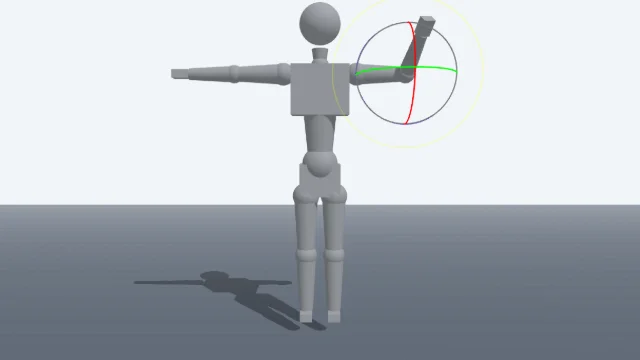
Pose 3D characters and build scenes for film and animation references.
Watercolor Painter
Interactive watercolor painting with realistic fluid dynamics and paper effects.
Voxel Art Studio
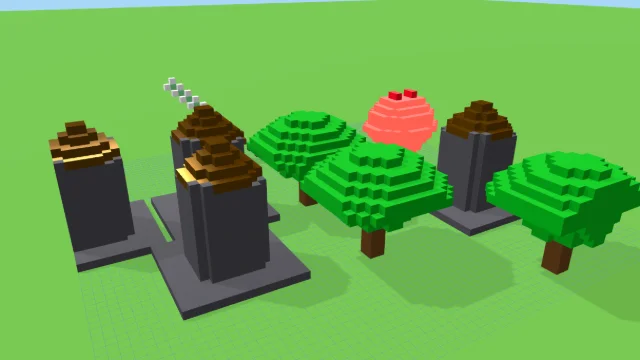
Browser-based volumetric 3D studio. Build, paint, and extrude voxels using symmetry tools and custom physical material properties (metal, glass, neon). Features an Asset Creator workspace, environment controls, and exports to OBJ, VOX, and PNG.
Pixel Art Forge
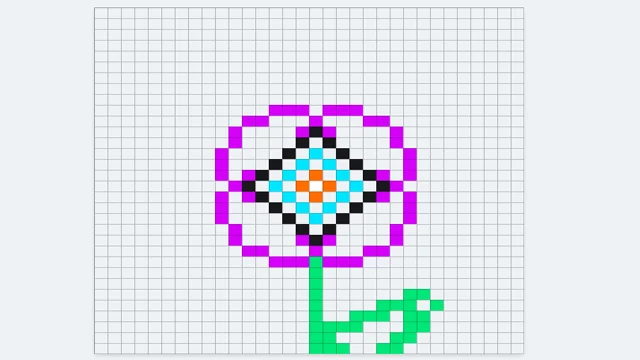
Multi-layer, multi-frame pixel art editor and animator with palette management, onion-skinning, sprite-sheet export, and image-to-pixel import.
Pixel Font Studio
DESIGNStudio
A bitmap font designer with a per-glyph editor, live preview, sprite-sheet, SVG, and TTF export.
UpdatedJun 2026
ExportsTTF, PNG, JPG
Runs onAny browser
PriceFree
Overview
A dynamic design playground.
Pixel Font Studio is a browser-based bitmap font designer. You draw each glyph as a 2D grid, then preview the alphabet in any sample text, or compile to JSON, SVG, sprite-sheet PNG, or a real installable TTF font file.
The app ships with a Classic Arcade 8x8 monospace starter font covering 65 glyphs (A-Z, a-z, 0-9, and `!`, `?`, `.`). The full supported set is 93 characters; the remaining 28 punctuation marks start blank.
Features
Built for design-scale experimentation.
01 / Spotlight
Per-glyph editor with brush
Eraser, fill, line, rectangle, circle, and an 8-handle transform gizmo.
02
Inspector controls grid
Resolution (2-64), per-pixel shape (11 options), and global block spacing.
03
Exports
installable TTF font file, per-glyph SVG, full SVG sheet, and a sprite-sheet PNG assembler.
How to use
Workflow
Steps take about a minute.
Click 'Load Classic Arcade Font' in the Inspector to start from a preset, or 'Wipe Project' to begin blank. Pick a letter from the Characters grid, draw with the brush, and watch the Preview tab update live. Export TTF, SVG, or sprite sheet from the Export tab.
Use cases
What people use it for
Designing custom bitmap and pixel fonts for games or appsExporting installable TTF fonts from a browser-based editorCreating sprite-sheet font assets for retro game enginesExperimenting with typography and glyph design without software
FAQ
Common questions
Why does the project disappear when I refresh the page?+
State is held in memory only — no auto-save. To keep work between sessions, use the toolbar Export → JSON, then Import JSON in the Export tab.
Does the TTF work if I haven't drawn most of the characters?+
Yes. The exporter processes all 93 characters; empty ones get a blank outline and just contribute spacing. Characters you haven't drawn render as a placeholder rectangle until you fill them in.
Related
More design apps
Scene Poser
Pose 3D characters and build scenes for film and animation references.
Watercolor Painter
Interactive watercolor painting with realistic fluid dynamics and paper effects.
Voxel Art Studio
Browser-based volumetric 3D studio. Build, paint, and extrude voxels using symmetry tools and custom physical material properties (metal, glass, neon). Features an Asset Creator workspace, environment controls, and exports to OBJ, VOX, and PNG.
Pixel Art Forge
Multi-layer, multi-frame pixel art editor and animator with palette management, onion-skinning, sprite-sheet export, and image-to-pixel import.