FLUXCADE
A home for creative apps, interactive experiments, and visual playgrounds.
Featured
Recently updated apps from the catalog.
Particle Studio
Three.js particle studio with shader-driven 3D wave fields, gradient mapping, mouse physics, and high-resolution slide export.
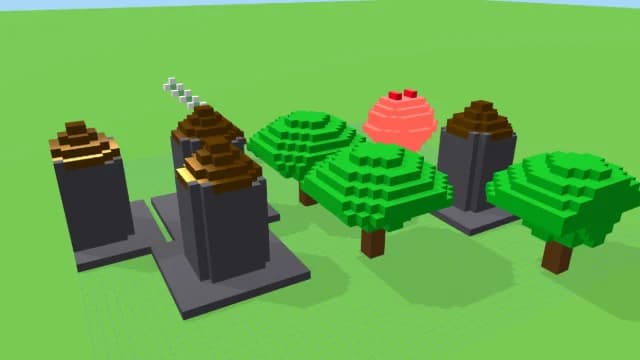
Block Impossible
Procedurally generated randomized block stacking game in 3D.
Pixel Art Forge
Multi-layer, multi-frame pixel art editor and animator with palette management, onion-skinning, sprite-sheet export, and image-to-pixel import.
Reaction Diffusion
Interactive Reaction-Diffusion simulation.
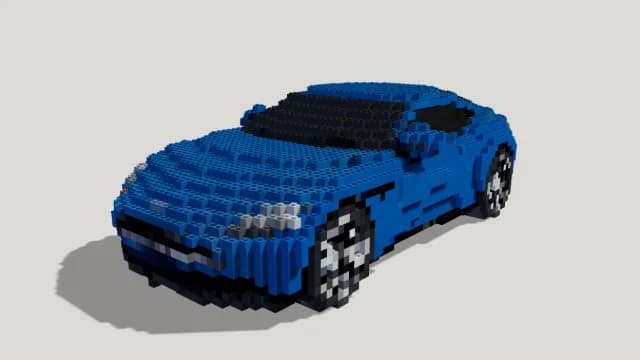
Voxel Art Studio
Browser-based volumetric 3D studio. Build, paint, and extrude voxels using symmetry tools and custom physical material properties (metal, glass, neon). Features an Asset Creator workspace, environment controls, and exports to OBJ, VOX, and PNG.
Palette Studio
Design System Lab and palette studio. Visualize swatches in interactive UI mockups, render canvas-based generative art, adjust harmony with the color wheel, verify WCAG contrast compliance, and simulate color blindness.
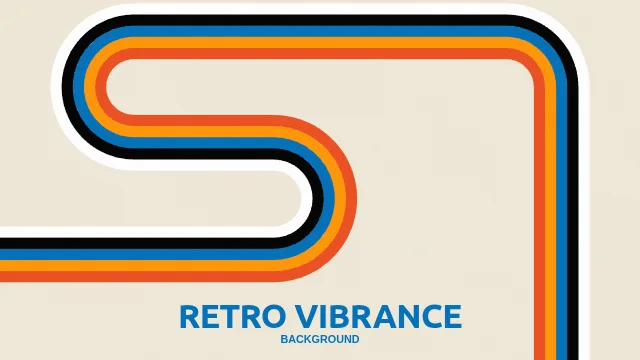
Retro Vibrance
An interactive parametric 1970s retro graphic designer. Choose from 20 distinct programmatic styles, customize stripe spacing, stroke widths, color schemes, canvas hues, or compile instant custom presets in builder mode.
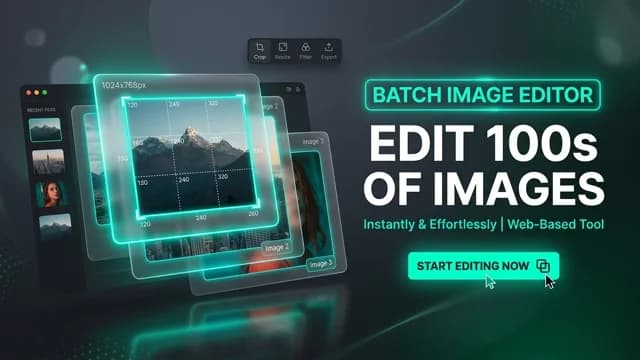
Image Workbench
A comprehensive bulk and single-image processing studio. Compress, convert, crop, resize, and apply filters in bulk, then download your optimized images compiled in a ZIP archive.
Manga Draft
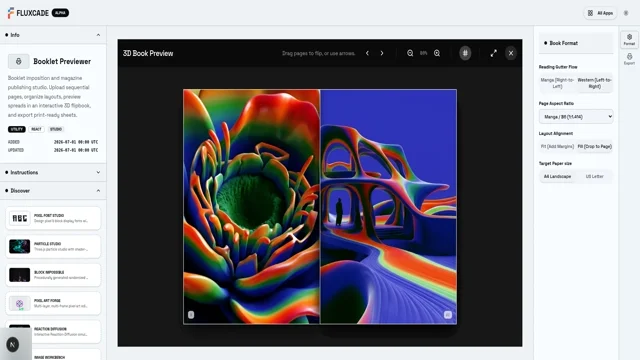
Interactive manga layout storyboard maker with adaptive/isolated panel slicing, vector screentone overlays, and custom dialogue bubbles.
Spin Art
A relaxing, physics-based turntable spin art painting simulator. Drag inside a spinning platter with mirror symmetry, color palettes, and adjustable RPM.
Color Field
WebGL spectrum field studio with 7 field algorithms, 7 color modes, library palette gallery, and 12 lockable parameters.
Fluid Canvas
GPU-driven particle flow studio with 12 field modes, 6 cursor physics modes, custom gradient stops, symmetry, particle styling, and a 10-preset gallery.
Browse by category
Subject-based browsing across six creative domains.
Design
Creative tools for color, typography, posters, pixels, gradients, and generative visuals.
Physics
Interactive physics simulations for motion, forces, waves, fluids, fields, space, and light.
Math
Mathematical visualizers and experiments for patterns, chaos, curves, and systems.
Audio
Browser music and sound tools for sequencing, synthesis, effects, and export.
Games & Puzzles
Playable browser experiments, puzzle toys, spatial challenges, and game-like tools.
Life & Nature
Biological, ecological, flocking, growth, and nature-inspired simulations.
Utility
Practical web and image processing tools, converters, encoders, and optimization utilities.
About FLUXCADE
FLUXCADE is a free, browser-based catalog of interactive apps, tools, and games. Every entry runs entirely in your browser — no installs, no accounts, no paywalls. Open a link, start playing or working, export the result.
The catalog is built around two axes: category (Design, Physics, Math, Audio, Games & Puzzles, Life & Nature) and kind (Studio, Game, Tool, Utility). Studios are deep, persistent apps with state and exports — pixel art editors, music makers, gradient designers. Tools are single-scene experiments and generators. Games are playable. Utilities are small focused helpers.
Everything runs in the browser, nothing to install. Open-source friendly, experiment-friendly, share-friendly.
Frequently asked
Is Fluxcade free?
Yes. Every app in the catalog is free, with no paywalls, no trial limits, no premium tiers.
Do I need an account?
No. Open a page and start using the tool. There is no sign-up, no email collection, no login.
Can I save or export what I make?
Where the tool supports it. Most apps have an Export button that saves to PNG, JPG, SVG, JSON, or WAV. The supported formats are listed on each app's page.
Does it work on mobile?
It's a web app, so any modern browser works. Tools with heavy 3D rendering may run slowly on older phones. Studios and design tools are easier on a desktop or tablet.
Does it work offline?
The tool rendering runs in your browser, so once a page is loaded the canvas keeps working without a network connection. The page itself still needs the server to load first — there is no service worker or offline cache yet.
Who builds it?
Fluxcade is a personal project. The catalog grows when there is a new app worth adding — no roadmap, no promises, no quarterly releases.
Browse every FLUXCADE app
Search, filter by category or kind, and find the right app for what you want to make or play with.
Open the catalog