Loading FLUXCADE...
Manga Draft
Loading Manga Draft...
Manga Draft
DESIGNStudio
Create and customize print-resolution manga storyboard layouts and comic frames right in your browser.
UpdatedJun 2026
ExportsPNG, SVG
Runs onAny browser
PriceFree
Overview
A dynamic design playground.
Manga Draft is a lightweight vector design tool for manga layout storyboard creation. Drag to adjust joint panel dividers adaptively or isolate individual columns, layer custom artwork and fine screentone overlays, and place tail-adjustable thought, speech, or shout bubbles using classic hand-drawn comic typography.
Features
Built for design-scale experimentation.
01 / Spotlight
Interactive vector panel
Division featuring slanted/diagonal cuts, spacing gutters, and responsive layout alignment.
02
Curated screentone overlay
Shaders (dot meshes, crosshatches, action speedlines) with adjustable transparency.
03
Dynamic text balloons
With custom font styles (classic hand, spooky gothic, screaming bangers) and movable target tails.
04
Export individual high-dpi
PNG sheets, scalable vector SVGs, or compile the entire project into a single ZIP book.
How to use
Workflow
Steps take about a minute.
Apply a layout preset or divide the panels from the Pages tab. Add speech balloons and custom images using the Creator tab. Tweak border colors, screentones, margins, and text lettering in the Inspector tab. Reorder pages and export designs from the floating actions bar.
Use cases
What people use it for
Creating webtoon storyboards and manga layoutsPlacing custom artwork inside clipped vector comic framesAdding responsive text bubbles and lettering to design boardsExporting scalable SVG outlines or zipped multi-page comic volumes
FAQ
Common questions
How does the isolated drag mode differ from adaptive?+
Adaptive mode scales all nested panels proportionally when you drag a divider line. Isolated mode pins nested dividers to their absolute layout locations, preserving the proportions of sub-grid cuts.
Can I use my own illustrations in the panels?+
Yes. Click any empty panel frame, then select the Upload Artwork button or drag/drop image assets into the library to map them inside the frame with adjustable zoom, rotation, and offset.
Related
More design apps
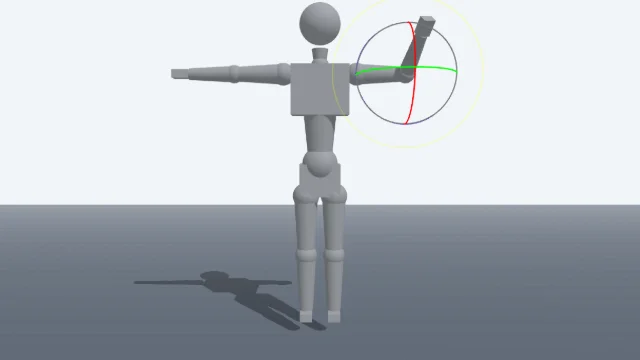
Scene Poser
Pose 3D characters and build scenes for film and animation references.

Watercolor Painter
Interactive watercolor painting with realistic fluid dynamics and paper effects.
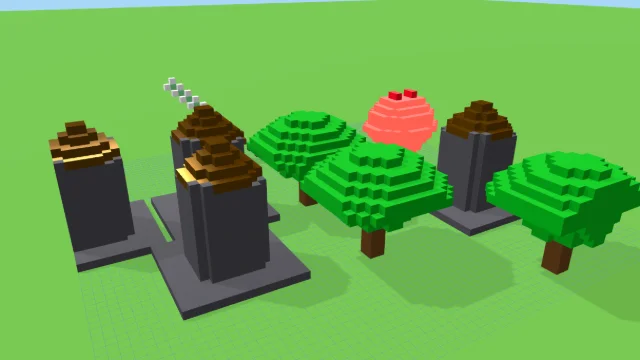
Voxel Art Studio
Browser-based volumetric 3D studio. Build, paint, and extrude voxels using symmetry tools and custom physical material properties (metal, glass, neon). Features an Asset Creator workspace, environment controls, and exports to OBJ, VOX, and PNG.
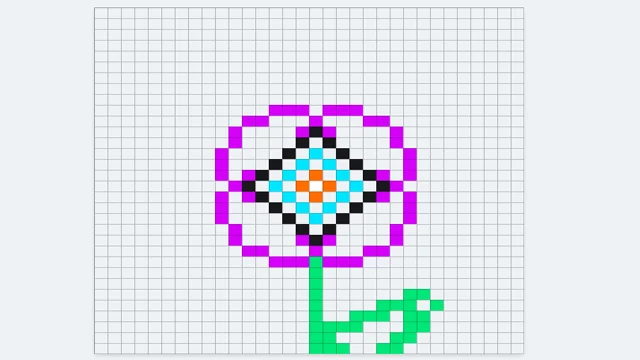
Pixel Art Forge
Multi-layer, multi-frame pixel art editor and animator with palette management, onion-skinning, sprite-sheet export, and image-to-pixel import.
Manga Draft
DESIGNStudio
Create and customize print-resolution manga storyboard layouts and comic frames right in your browser.
UpdatedJun 2026
ExportsPNG, SVG
Runs onAny browser
PriceFree
Overview
A dynamic design playground.
Manga Draft is a lightweight vector design tool for manga layout storyboard creation. Drag to adjust joint panel dividers adaptively or isolate individual columns, layer custom artwork and fine screentone overlays, and place tail-adjustable thought, speech, or shout bubbles using classic hand-drawn comic typography.
Features
Built for design-scale experimentation.
01 / Spotlight
Interactive vector panel
Division featuring slanted/diagonal cuts, spacing gutters, and responsive layout alignment.
02
Curated screentone overlay
Shaders (dot meshes, crosshatches, action speedlines) with adjustable transparency.
03
Dynamic text balloons
With custom font styles (classic hand, spooky gothic, screaming bangers) and movable target tails.
04
Export individual high-dpi
PNG sheets, scalable vector SVGs, or compile the entire project into a single ZIP book.
How to use
Workflow
Steps take about a minute.
Apply a layout preset or divide the panels from the Pages tab. Add speech balloons and custom images using the Creator tab. Tweak border colors, screentones, margins, and text lettering in the Inspector tab. Reorder pages and export designs from the floating actions bar.
Use cases
What people use it for
Creating webtoon storyboards and manga layoutsPlacing custom artwork inside clipped vector comic framesAdding responsive text bubbles and lettering to design boardsExporting scalable SVG outlines or zipped multi-page comic volumes
FAQ
Common questions
How does the isolated drag mode differ from adaptive?+
Adaptive mode scales all nested panels proportionally when you drag a divider line. Isolated mode pins nested dividers to their absolute layout locations, preserving the proportions of sub-grid cuts.
Can I use my own illustrations in the panels?+
Yes. Click any empty panel frame, then select the Upload Artwork button or drag/drop image assets into the library to map them inside the frame with adjustable zoom, rotation, and offset.
Related
More design apps
Scene Poser
Pose 3D characters and build scenes for film and animation references.
Watercolor Painter
Interactive watercolor painting with realistic fluid dynamics and paper effects.
Voxel Art Studio
Browser-based volumetric 3D studio. Build, paint, and extrude voxels using symmetry tools and custom physical material properties (metal, glass, neon). Features an Asset Creator workspace, environment controls, and exports to OBJ, VOX, and PNG.
Pixel Art Forge
Multi-layer, multi-frame pixel art editor and animator with palette management, onion-skinning, sprite-sheet export, and image-to-pixel import.