Loading FLUXCADE...
Spin Art
Loading Spin Art...
Spin Art
DESIGNStudio
A relaxing turntable spin art studio. Paint into a spinning platter with mirror symmetry, color palettes, and adjustable RPM.
UpdatedJun 2026
ExportsPNG, JPG
Runs onAny browser
PriceFree
Overview
A dynamic design playground.
Spin Art is a physics-based spin art painting simulator that runs entirely in the browser. The platter rotates under your cursor, and every stroke is captured at high resolution on a cream paper disk. Mirror your strokes 2x, 4x, 8x, or 16x for kaleidoscopic results, and use negative RPM to spin the platter in reverse.
Shuffle randomizes brush, speed, symmetry, and color; Reset returns to the studio defaults. Export PNG or JPG at your chosen aspect ratio and resolution.
Features
Built for design-scale experimentation.
01 / Spotlight
Press and drag
Inside the platter to paint; strokes are de-rotated into the canvas for clean lines at any RPM.
02
Mirror symmetry 1x
2x, 4x, 8x, 16x for kaleidoscopic results.
03
PNG and JPG
Export with aspect-ratio aware compositing; thumbnails captured directly from the running tool.
How to use
Workflow
Steps take about a minute.
Pick a color from the palette, adjust the brush thickness and platter speed, and paint inside the turntable. Use W/A/S/D to pan the cabinet and reveal different parts of the paper. Export PNG or JPG from the toolbar.
Use cases
What people use it for
Generating generative mandala and kaleidoscope artworkExploring physics-driven line work and rotational symmetryCreating exportable cover art and abstract backgroundsPracticing a meditative, mouse-driven drawing flow
FAQ
Common questions
Why are the strokes clean even when the platter is spinning fast?+
Each stroke is captured at high resolution on a 2000x2000 canvas, and the screen-space pointer is un-rotated back into canvas space at every frame. The platter can spin at any speed and the line still tracks your pointer precisely.
Can I paint in reverse?+
Yes. Set the RPM slider to a negative value to spin the platter in the opposite direction. The stroke tracking works the same way in both directions.
Can I save my work?+
Use the toolbar Export to save PNG or JPG at your chosen aspect ratio and resolution. The export bakes the current platter rotation into a single image.
Related
More design apps
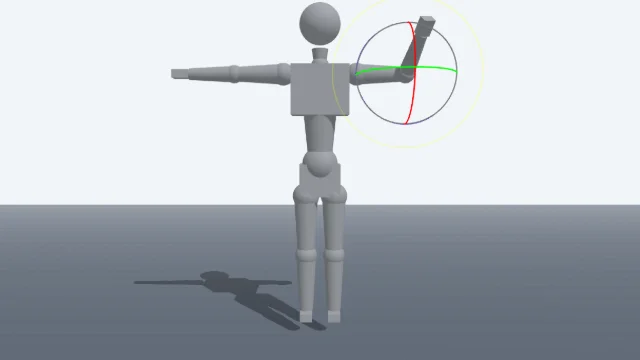
Scene Poser
Pose 3D characters and build scenes for film and animation references.
Watercolor Painter
Interactive watercolor painting with realistic fluid dynamics and paper effects.
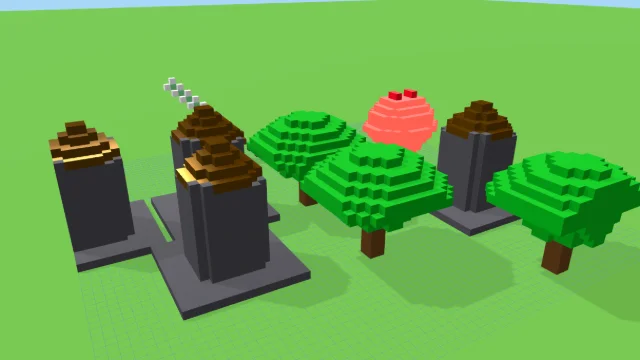
Voxel Art Studio
Browser-based volumetric 3D studio. Build, paint, and extrude voxels using symmetry tools and custom physical material properties (metal, glass, neon). Features an Asset Creator workspace, environment controls, and exports to OBJ, VOX, and PNG.
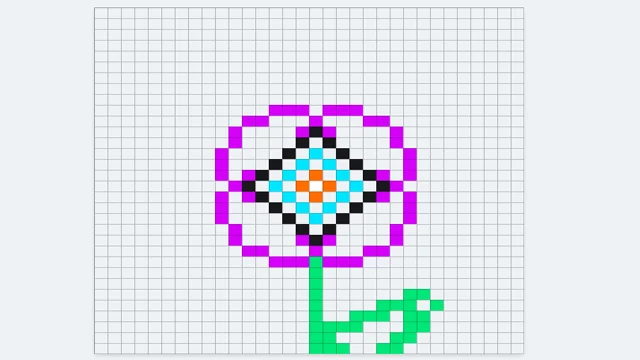
Pixel Art Forge
Multi-layer, multi-frame pixel art editor and animator with palette management, onion-skinning, sprite-sheet export, and image-to-pixel import.
Spin Art
DESIGNStudio
A relaxing turntable spin art studio. Paint into a spinning platter with mirror symmetry, color palettes, and adjustable RPM.
UpdatedJun 2026
ExportsPNG, JPG
Runs onAny browser
PriceFree
Overview
A dynamic design playground.
Spin Art is a physics-based spin art painting simulator that runs entirely in the browser. The platter rotates under your cursor, and every stroke is captured at high resolution on a cream paper disk. Mirror your strokes 2x, 4x, 8x, or 16x for kaleidoscopic results, and use negative RPM to spin the platter in reverse.
Shuffle randomizes brush, speed, symmetry, and color; Reset returns to the studio defaults. Export PNG or JPG at your chosen aspect ratio and resolution.
Features
Built for design-scale experimentation.
01 / Spotlight
Press and drag
Inside the platter to paint; strokes are de-rotated into the canvas for clean lines at any RPM.
02
Mirror symmetry 1x
2x, 4x, 8x, 16x for kaleidoscopic results.
03
PNG and JPG
Export with aspect-ratio aware compositing; thumbnails captured directly from the running tool.
How to use
Workflow
Steps take about a minute.
Pick a color from the palette, adjust the brush thickness and platter speed, and paint inside the turntable. Use W/A/S/D to pan the cabinet and reveal different parts of the paper. Export PNG or JPG from the toolbar.
Use cases
What people use it for
Generating generative mandala and kaleidoscope artworkExploring physics-driven line work and rotational symmetryCreating exportable cover art and abstract backgroundsPracticing a meditative, mouse-driven drawing flow
FAQ
Common questions
Why are the strokes clean even when the platter is spinning fast?+
Each stroke is captured at high resolution on a 2000x2000 canvas, and the screen-space pointer is un-rotated back into canvas space at every frame. The platter can spin at any speed and the line still tracks your pointer precisely.
Can I paint in reverse?+
Yes. Set the RPM slider to a negative value to spin the platter in the opposite direction. The stroke tracking works the same way in both directions.
Can I save my work?+
Use the toolbar Export to save PNG or JPG at your chosen aspect ratio and resolution. The export bakes the current platter rotation into a single image.
Related
More design apps
Scene Poser
Pose 3D characters and build scenes for film and animation references.
Watercolor Painter
Interactive watercolor painting with realistic fluid dynamics and paper effects.
Voxel Art Studio
Browser-based volumetric 3D studio. Build, paint, and extrude voxels using symmetry tools and custom physical material properties (metal, glass, neon). Features an Asset Creator workspace, environment controls, and exports to OBJ, VOX, and PNG.
Pixel Art Forge
Multi-layer, multi-frame pixel art editor and animator with palette management, onion-skinning, sprite-sheet export, and image-to-pixel import.