Loading FLUXCADE...
Block Designer Studio
Loading Block Designer Studio...
Block Designer Studio
DESIGNStudio
A block-based logo and design maker with a styled pixel canvas, custom palettes, and vector export.
UpdatedJul 2026
ExportsPNG, JPG, SVG, JSON
Runs onAny browser
PriceFree
Overview
A dynamic design playground.
Block Designer Studio is an interactive browser-based graphic designer. Draw custom assets on a grid with detailed sub-pixel shapes, rotations, and sizes, and compose them into complex branding designs with backgrounds, badges, and clean typography.
The app comes with standard grid resolutions (8x8 to 32x32) and several pre-made logo layout styles. Compile your final compositions to clean vector SVG or high-resolution PNG/JPG files ready for print and screen.
Features
Built for design-scale experimentation.
01 / Spotlight
Styled block pixel
Painter supporting curves, slopes, triangles, and dots.
02
Logo composer that
Integrates custom assets, brand name text, taglines, and badge shapes.
03
Supports multi-color designs
Customized color palettes, and full vector SVG output.
How to use
Workflow
Steps take about a minute.
Design your custom graphics in the Asset tab. In the Composer tab, type your brand name and tagline, select a layout preset (centered, row, badge), choose a background shape, apply a color theme, and export your logo as SVG or high-res image.
Use cases
What people use it for
Creating pixelated or block-based logos for games, apps, and brandsDesigning modular vector assets and patterns in the browserExporting clean, print-ready SVG emblems and badges
FAQ
Common questions
Can I use multiple colors in a single asset?+
Yes, you can paint with up to 8 custom colors from your active project palette. When exporting to SVG, the shapes are grouped by color to keep the vector paths clean.
How do I download my finished logo?+
Go to the Export tab or click the floating export button to download the logo in vector SVG format, standard PNG/JPG image formats, or save the project configuration as JSON.
Related
More design apps
Scene Poser
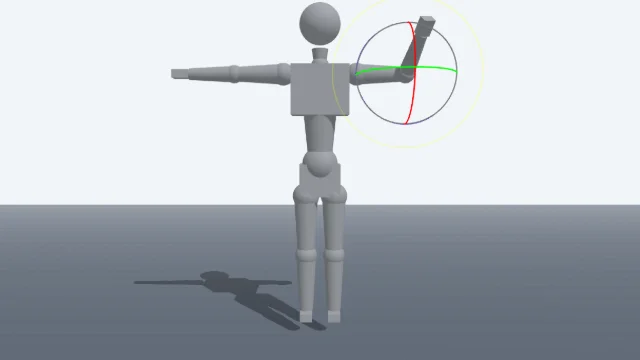
Pose 3D characters and build scenes for film and animation references.
Watercolor Painter
Interactive watercolor painting with realistic fluid dynamics and paper effects.
Voxel Art Studio
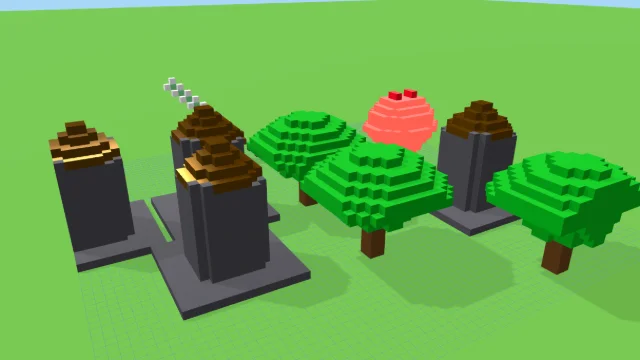
Browser-based volumetric 3D studio. Build, paint, and extrude voxels using symmetry tools and custom physical material properties (metal, glass, neon). Features an Asset Creator workspace, environment controls, and exports to OBJ, VOX, and PNG.
Pixel Art Forge
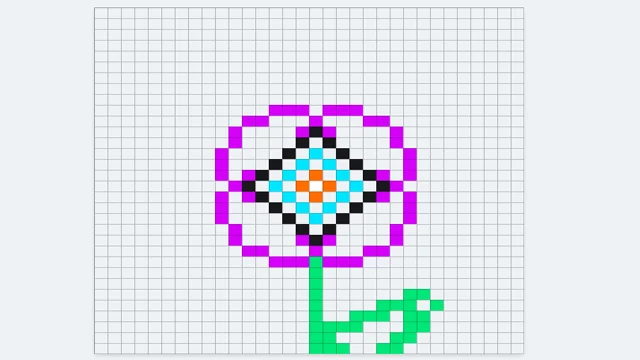
Multi-layer, multi-frame pixel art editor and animator with palette management, onion-skinning, sprite-sheet export, and image-to-pixel import.
Block Designer Studio
DESIGNStudio
A block-based logo and design maker with a styled pixel canvas, custom palettes, and vector export.
UpdatedJul 2026
ExportsPNG, JPG, SVG, JSON
Runs onAny browser
PriceFree
Overview
A dynamic design playground.
Block Designer Studio is an interactive browser-based graphic designer. Draw custom assets on a grid with detailed sub-pixel shapes, rotations, and sizes, and compose them into complex branding designs with backgrounds, badges, and clean typography.
The app comes with standard grid resolutions (8x8 to 32x32) and several pre-made logo layout styles. Compile your final compositions to clean vector SVG or high-resolution PNG/JPG files ready for print and screen.
Features
Built for design-scale experimentation.
01 / Spotlight
Styled block pixel
Painter supporting curves, slopes, triangles, and dots.
02
Logo composer that
Integrates custom assets, brand name text, taglines, and badge shapes.
03
Supports multi-color designs
Customized color palettes, and full vector SVG output.
How to use
Workflow
Steps take about a minute.
Design your custom graphics in the Asset tab. In the Composer tab, type your brand name and tagline, select a layout preset (centered, row, badge), choose a background shape, apply a color theme, and export your logo as SVG or high-res image.
Use cases
What people use it for
Creating pixelated or block-based logos for games, apps, and brandsDesigning modular vector assets and patterns in the browserExporting clean, print-ready SVG emblems and badges
FAQ
Common questions
Can I use multiple colors in a single asset?+
Yes, you can paint with up to 8 custom colors from your active project palette. When exporting to SVG, the shapes are grouped by color to keep the vector paths clean.
How do I download my finished logo?+
Go to the Export tab or click the floating export button to download the logo in vector SVG format, standard PNG/JPG image formats, or save the project configuration as JSON.
Related
More design apps
Scene Poser
Pose 3D characters and build scenes for film and animation references.
Watercolor Painter
Interactive watercolor painting with realistic fluid dynamics and paper effects.
Voxel Art Studio
Browser-based volumetric 3D studio. Build, paint, and extrude voxels using symmetry tools and custom physical material properties (metal, glass, neon). Features an Asset Creator workspace, environment controls, and exports to OBJ, VOX, and PNG.
Pixel Art Forge
Multi-layer, multi-frame pixel art editor and animator with palette management, onion-skinning, sprite-sheet export, and image-to-pixel import.