Loading FLUXCADE...
Fluid Canvas
Loading Fluid Canvas...
Fluid Canvas
DESIGNStudio
An interactive particle flow studio with 12 field modes, 6 cursor physics modes, custom gradient stops, and a 10-preset gallery.
UpdatedJun 2026
ExportsPNG, JPG
Runs onAny browser
PriceFree
Overview
A dynamic design playground.
Fluid Canvas is a particle field studio. Up to 4,000 particles are advected by one of 12 flow fields every frame. A right sidebar with five tabs — Field, Particles, Colors, Cursor, Display — exposes every parameter, and a 10-preset gallery seeds good starting points.
Move your cursor over the canvas to influence the field with attract, repel, vortex, wave, or brush modes.
Features
Built for design-scale experimentation.
01 / Spotlight
12 flow field modes (Vortex
Sine Mesh, Curl Noise, Spiral Wave, Domain Warp, and more).
02
6 cursor physics modes (Off
Attract, Repel, Vortex, Wave, Brush) with strength and radius.
03
Symmetry modes (none
Horizontal, vertical, kaleidoscope ×3/4/6); 10-preset gallery.
How to use
Workflow
Steps take about a minute.
Pick a preset from the gallery, then dial in the Field, Particles, Colors, Cursor, and Display tabs in the right sidebar. Move your cursor over the canvas to influence the flow. Export PNG or JPG from the toolbar.
Use cases
What people use it for
Creating interactive particle art and generative visualsGenerating animated backgrounds with 12 flow field modesExploring cursor physics modes for interactive installationsProducing exportable stills for covers, thumbnails, and design plates
FAQ
Common questions
How many particles can it handle?+
Up to 4,000 simultaneously. The Particles tab lets you tune count, size, trail fade, max velocity, and life span. Performance depends on your device.
What does the Brush cursor mode do?+
Brush emits new particles from the cursor at a configurable rate. Useful for painting color into a field, or for hand-drawn generative compositions.
Related
More design apps
Scene Poser
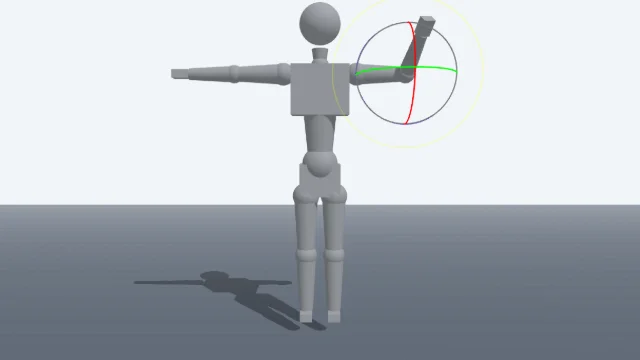
Pose 3D characters and build scenes for film and animation references.
Watercolor Painter
Interactive watercolor painting with realistic fluid dynamics and paper effects.
Voxel Art Studio
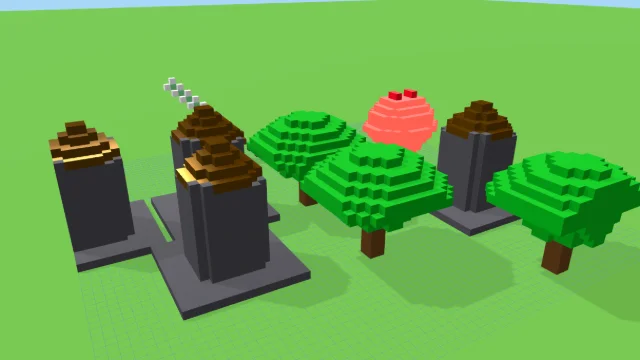
Browser-based volumetric 3D studio. Build, paint, and extrude voxels using symmetry tools and custom physical material properties (metal, glass, neon). Features an Asset Creator workspace, environment controls, and exports to OBJ, VOX, and PNG.
Pixel Art Forge
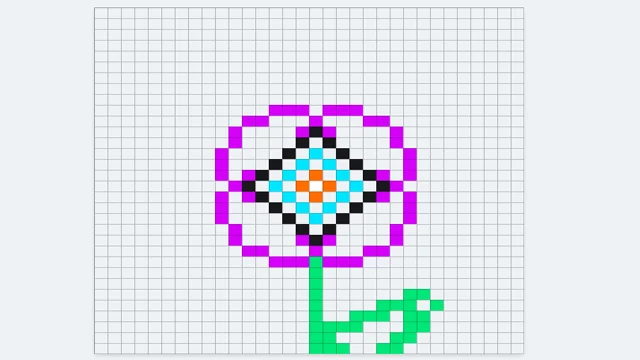
Multi-layer, multi-frame pixel art editor and animator with palette management, onion-skinning, sprite-sheet export, and image-to-pixel import.
Fluid Canvas
DESIGNStudio
An interactive particle flow studio with 12 field modes, 6 cursor physics modes, custom gradient stops, and a 10-preset gallery.
UpdatedJun 2026
ExportsPNG, JPG
Runs onAny browser
PriceFree
Overview
A dynamic design playground.
Fluid Canvas is a particle field studio. Up to 4,000 particles are advected by one of 12 flow fields every frame. A right sidebar with five tabs — Field, Particles, Colors, Cursor, Display — exposes every parameter, and a 10-preset gallery seeds good starting points.
Move your cursor over the canvas to influence the field with attract, repel, vortex, wave, or brush modes.
Features
Built for design-scale experimentation.
01 / Spotlight
12 flow field modes (Vortex
Sine Mesh, Curl Noise, Spiral Wave, Domain Warp, and more).
02
6 cursor physics modes (Off
Attract, Repel, Vortex, Wave, Brush) with strength and radius.
03
Symmetry modes (none
Horizontal, vertical, kaleidoscope ×3/4/6); 10-preset gallery.
How to use
Workflow
Steps take about a minute.
Pick a preset from the gallery, then dial in the Field, Particles, Colors, Cursor, and Display tabs in the right sidebar. Move your cursor over the canvas to influence the flow. Export PNG or JPG from the toolbar.
Use cases
What people use it for
Creating interactive particle art and generative visualsGenerating animated backgrounds with 12 flow field modesExploring cursor physics modes for interactive installationsProducing exportable stills for covers, thumbnails, and design plates
FAQ
Common questions
How many particles can it handle?+
Up to 4,000 simultaneously. The Particles tab lets you tune count, size, trail fade, max velocity, and life span. Performance depends on your device.
What does the Brush cursor mode do?+
Brush emits new particles from the cursor at a configurable rate. Useful for painting color into a field, or for hand-drawn generative compositions.
Related
More design apps
Scene Poser
Pose 3D characters and build scenes for film and animation references.
Watercolor Painter
Interactive watercolor painting with realistic fluid dynamics and paper effects.
Voxel Art Studio
Browser-based volumetric 3D studio. Build, paint, and extrude voxels using symmetry tools and custom physical material properties (metal, glass, neon). Features an Asset Creator workspace, environment controls, and exports to OBJ, VOX, and PNG.
Pixel Art Forge
Multi-layer, multi-frame pixel art editor and animator with palette management, onion-skinning, sprite-sheet export, and image-to-pixel import.