Loading FLUXCADE...
Gradient Designer
Loading Gradient Designer...
Gradient Designer
DESIGNStudio
An organic mesh gradient studio with draggable color nodes, cosmic force fields, and modulation controls.
UpdatedJun 2026
ExportsPNG, JPG, JSON
Runs onAny browser
PriceFree
Overview
A dynamic design playground.
Gradient Designer renders a deformable mesh of color nodes. Drag the nodes on the canvas to reshape the gradient, apply cosmic-style force fields to swirl or pull them, and modulate the result with the Modulate tab.
The right sidebar has four tabs: Palette (preset palettes and node lists), Modulate (global animation, scale, and noise), Nodes (per-node color and weight), and Forces (field types and strengths).
Features
Built for design-scale experimentation.
01 / Spotlight
Mesh gradient with
Draggable color nodes; per-node color, weight, and trail.
02
Cosmic force fields: swirl, pull, push, noise
applied to the nodes in real time.
03
Palette tab for
Preset palettes and node list; Modulate tab for global animation, scale, and noise.
How to use
Workflow
Steps take about a minute.
Drag any color node on the canvas to reshape the gradient. Open the Nodes tab to tweak per-node color and weight, Modulate for global animation, and Forces to apply field effects. Export PNG, JPG, or JSON from the toolbar.
Use cases
What people use it for
Creating organic mesh gradients for modern UI and web designGenerating animated gradient backgrounds with cosmic force fieldsDesigning brand visuals and cover art with draggable color nodesSaving and reloading gradient configurations via JSON export
FAQ
Common questions
Can I save a gradient?+
Yes. Use the toolbar Export → JSON to save the full node layout, modulation, and force configuration. Drag the file back in via Import JSON to round-trip your work.
What's the difference between Modulate and Forces?+
Modulate is a global layer that affects how the whole gradient moves (speed, scale, noise). Forces are per-field effects (swirl, pull, push) that act on the nodes themselves.
Related
More design apps
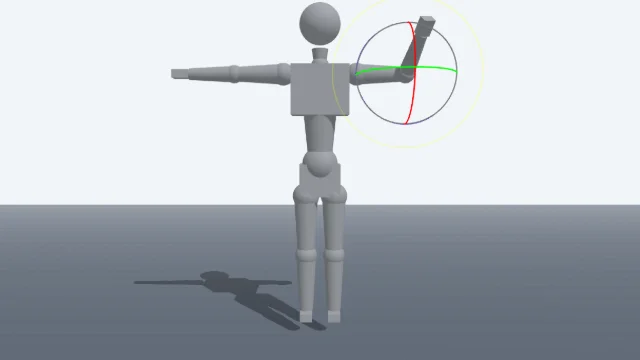
Scene Poser
Pose 3D characters and build scenes for film and animation references.
Watercolor Painter
Interactive watercolor painting with realistic fluid dynamics and paper effects.
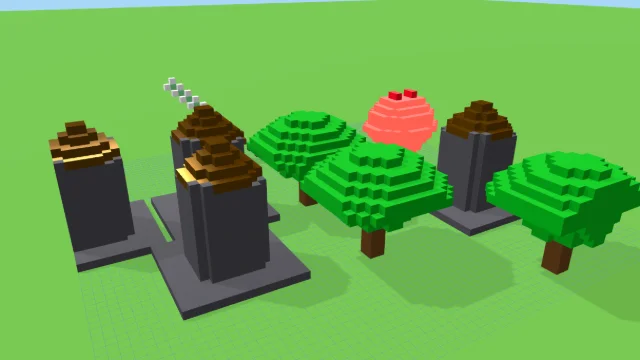
Voxel Art Studio
Browser-based volumetric 3D studio. Build, paint, and extrude voxels using symmetry tools and custom physical material properties (metal, glass, neon). Features an Asset Creator workspace, environment controls, and exports to OBJ, VOX, and PNG.
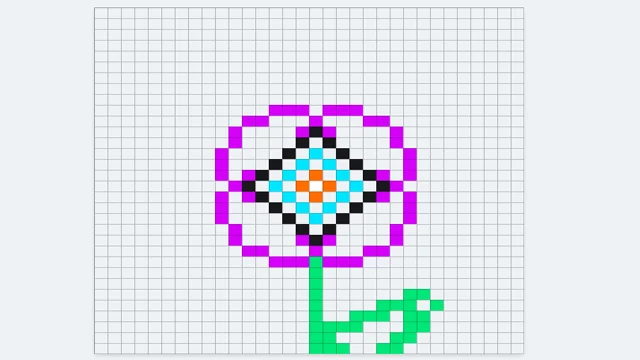
Pixel Art Forge
Multi-layer, multi-frame pixel art editor and animator with palette management, onion-skinning, sprite-sheet export, and image-to-pixel import.
Gradient Designer
DESIGNStudio
An organic mesh gradient studio with draggable color nodes, cosmic force fields, and modulation controls.
UpdatedJun 2026
ExportsPNG, JPG, JSON
Runs onAny browser
PriceFree
Overview
A dynamic design playground.
Gradient Designer renders a deformable mesh of color nodes. Drag the nodes on the canvas to reshape the gradient, apply cosmic-style force fields to swirl or pull them, and modulate the result with the Modulate tab.
The right sidebar has four tabs: Palette (preset palettes and node lists), Modulate (global animation, scale, and noise), Nodes (per-node color and weight), and Forces (field types and strengths).
Features
Built for design-scale experimentation.
01 / Spotlight
Mesh gradient with
Draggable color nodes; per-node color, weight, and trail.
02
Cosmic force fields: swirl, pull, push, noise
applied to the nodes in real time.
03
Palette tab for
Preset palettes and node list; Modulate tab for global animation, scale, and noise.
How to use
Workflow
Steps take about a minute.
Drag any color node on the canvas to reshape the gradient. Open the Nodes tab to tweak per-node color and weight, Modulate for global animation, and Forces to apply field effects. Export PNG, JPG, or JSON from the toolbar.
Use cases
What people use it for
Creating organic mesh gradients for modern UI and web designGenerating animated gradient backgrounds with cosmic force fieldsDesigning brand visuals and cover art with draggable color nodesSaving and reloading gradient configurations via JSON export
FAQ
Common questions
Can I save a gradient?+
Yes. Use the toolbar Export → JSON to save the full node layout, modulation, and force configuration. Drag the file back in via Import JSON to round-trip your work.
What's the difference between Modulate and Forces?+
Modulate is a global layer that affects how the whole gradient moves (speed, scale, noise). Forces are per-field effects (swirl, pull, push) that act on the nodes themselves.
Related
More design apps
Scene Poser
Pose 3D characters and build scenes for film and animation references.
Watercolor Painter
Interactive watercolor painting with realistic fluid dynamics and paper effects.
Voxel Art Studio
Browser-based volumetric 3D studio. Build, paint, and extrude voxels using symmetry tools and custom physical material properties (metal, glass, neon). Features an Asset Creator workspace, environment controls, and exports to OBJ, VOX, and PNG.
Pixel Art Forge
Multi-layer, multi-frame pixel art editor and animator with palette management, onion-skinning, sprite-sheet export, and image-to-pixel import.