Loading FLUXCADE...
Palette Studio
Loading Palette Studio...
Palette Studio
DESIGNStudio
An interactive palette design lab and accessibility studio.
UpdatedJun 2026
ExportsPNG, JPG, SVG, JSON
Runs onAny browser
PriceFree
Overview
A dynamic design playground.
Palette Studio is a comprehensive playground for building, adjusting, and verifying color palettes. Design flat swatch palettes or index-paired gradient ramps, then preview them instantly on live UI mockups (dashboards and profiles) or animated generative art. Check WCAG contrast compliance ratios, test designs with the real-time color blindness simulator (protanopia, deuteranopia, tritanopia, and monochromacy), and export assets directly to SVG, PNG, JPG, CSS Variables, or Tailwind config code.
Features
Built for design-scale experimentation.
01 / Spotlight
Interactive UI mockup
Preview with togglable dark/light dashboard and user profiles.
02
Dynamic generative art
Visualizers (Orbits and Flow Fields) driven by your active colors.
03
Interactive polar color
Wheel with drag-to-edit node manipulation and color harmony guide lines.
04
Accessibility suite featuring
A full WCAG 2.1 contrast matrix and real-time color blindness simulator.
05
Advanced export options
To SVG sheets, JSON presets, CSS variables, and Tailwind CSS templates.
How to use
Workflow
Steps take about a minute.
Select swatches to edit them or drag nodes on the Color Wheel. Tweak values with the sidebar controls. Switch tabs inside the workspace to preview your colors in active UI mockups, generative art, or check accessibility contrast. Use the toolbar to randomize/reset parameters and export assets in your chosen formats.
Use cases
What people use it for
Building color palettes for design systems and brand workGenerating gradient palettes by pairing saved swatch setsCreating swatch sheets for client presentations or referenceExperimenting with color relationships and palette structures
FAQ
Common questions
Where are my saved palettes stored?+
In the browser's localStorage. They persist across reloads on the same browser, but they are not synced between devices. Export the palette as PNG if you want a sharable artifact.
How does the gradient palette combine two saved palettes?+
By index. Palette A's first color and Palette B's first color become one gradient pair, A[2] and B[2] another, and so on. The result is a smooth gradient through the union of the two palettes.
Related
More design apps
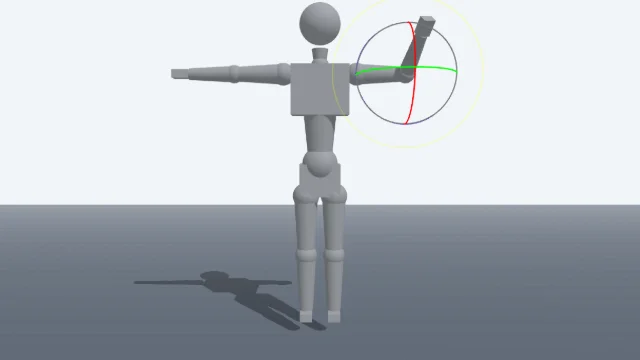
Scene Poser
Pose 3D characters and build scenes for film and animation references.
Watercolor Painter
Interactive watercolor painting with realistic fluid dynamics and paper effects.
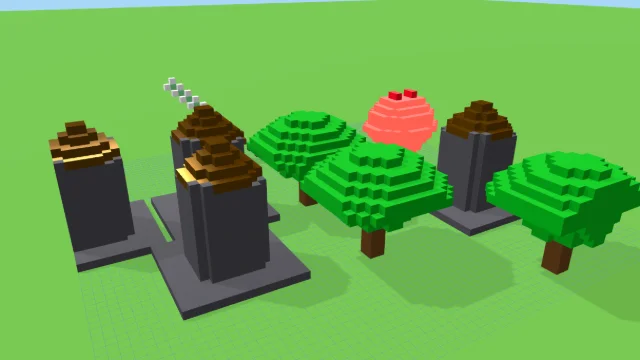
Voxel Art Studio
Browser-based volumetric 3D studio. Build, paint, and extrude voxels using symmetry tools and custom physical material properties (metal, glass, neon). Features an Asset Creator workspace, environment controls, and exports to OBJ, VOX, and PNG.
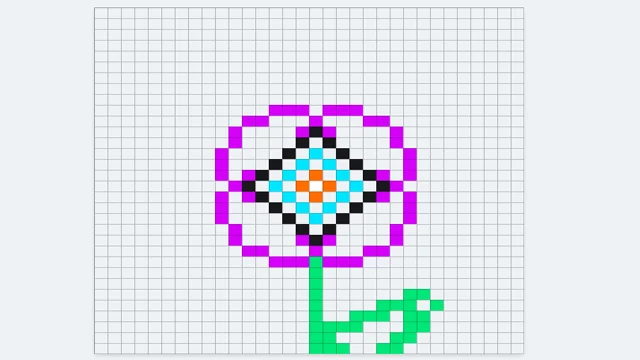
Pixel Art Forge
Multi-layer, multi-frame pixel art editor and animator with palette management, onion-skinning, sprite-sheet export, and image-to-pixel import.
Palette Studio
DESIGNStudio
An interactive palette design lab and accessibility studio.
UpdatedJun 2026
ExportsPNG, JPG, SVG, JSON
Runs onAny browser
PriceFree
Overview
A dynamic design playground.
Palette Studio is a comprehensive playground for building, adjusting, and verifying color palettes. Design flat swatch palettes or index-paired gradient ramps, then preview them instantly on live UI mockups (dashboards and profiles) or animated generative art. Check WCAG contrast compliance ratios, test designs with the real-time color blindness simulator (protanopia, deuteranopia, tritanopia, and monochromacy), and export assets directly to SVG, PNG, JPG, CSS Variables, or Tailwind config code.
Features
Built for design-scale experimentation.
01 / Spotlight
Interactive UI mockup
Preview with togglable dark/light dashboard and user profiles.
02
Dynamic generative art
Visualizers (Orbits and Flow Fields) driven by your active colors.
03
Interactive polar color
Wheel with drag-to-edit node manipulation and color harmony guide lines.
04
Accessibility suite featuring
A full WCAG 2.1 contrast matrix and real-time color blindness simulator.
05
Advanced export options
To SVG sheets, JSON presets, CSS variables, and Tailwind CSS templates.
How to use
Workflow
Steps take about a minute.
Select swatches to edit them or drag nodes on the Color Wheel. Tweak values with the sidebar controls. Switch tabs inside the workspace to preview your colors in active UI mockups, generative art, or check accessibility contrast. Use the toolbar to randomize/reset parameters and export assets in your chosen formats.
Use cases
What people use it for
Building color palettes for design systems and brand workGenerating gradient palettes by pairing saved swatch setsCreating swatch sheets for client presentations or referenceExperimenting with color relationships and palette structures
FAQ
Common questions
Where are my saved palettes stored?+
In the browser's localStorage. They persist across reloads on the same browser, but they are not synced between devices. Export the palette as PNG if you want a sharable artifact.
How does the gradient palette combine two saved palettes?+
By index. Palette A's first color and Palette B's first color become one gradient pair, A[2] and B[2] another, and so on. The result is a smooth gradient through the union of the two palettes.
Related
More design apps
Scene Poser
Pose 3D characters and build scenes for film and animation references.
Watercolor Painter
Interactive watercolor painting with realistic fluid dynamics and paper effects.
Voxel Art Studio
Browser-based volumetric 3D studio. Build, paint, and extrude voxels using symmetry tools and custom physical material properties (metal, glass, neon). Features an Asset Creator workspace, environment controls, and exports to OBJ, VOX, and PNG.
Pixel Art Forge
Multi-layer, multi-frame pixel art editor and animator with palette management, onion-skinning, sprite-sheet export, and image-to-pixel import.