Loading FLUXCADE...
Vertex Grid
Loading Vertex Grid...
Vertex Grid
DESIGNStudio
A grid of variable-corner-radius cards. Drag shared corner nodes, apply mathematical presets, or randomize for generative compositions.
UpdatedJun 2026
ExportsPNG, JPG, SVG
Runs onAny browser
PriceFree
Overview
A dynamic design playground.
Vertex Grid is a small layout tool that lets you compose a grid of cards where each corner radius is independently adjustable. The interesting bit is the shared corner nodes: each grid intersection is a single draggable handle that controls all four adjacent corner radii at once.
Apply a mathematical preset (linear, exponential, sinusoidal) to roll a whole grid at once, or use Shuffle for a random generative composition.
Features
Built for design-scale experimentation.
01 / Spotlight
Variable per-corner-radius grid
With draggable shared corner nodes.
02
Mathematical presets (linear
Exponential, sinusoidal) and random shuffle for generative compositions.
03
Export as PNG
JPG, or SVG; the SVG preserves exact corner geometry.
How to use
Workflow
Steps take about a minute.
Drag any corner node on the grid to bend the surrounding corners. Use the sidebar to apply a mathematical preset, or Shuffle for a random composition. Export PNG, JPG, or SVG from the toolbar.
Use cases
What people use it for
Composing generative grids with variable corner radiiCreating abstract layout studies and bento-style designsExploring mathematical presets (linear, exponential, sinusoidal)Exporting SVG geometry for use in vector editors or design tools
FAQ
Common questions
How does a shared corner node work?+
Each grid intersection is a single handle that controls all four adjacent corner radii. Move it inward and the four corners of the surrounding cards all get tighter; move it outward and they all soften.
Can I save a layout?+
Not directly. Use SVG export to capture the geometry exactly; PNG or JPG for a rasterized version. The SVG file can be re-imported into any vector editor for further work.
Related
More design apps
Scene Poser
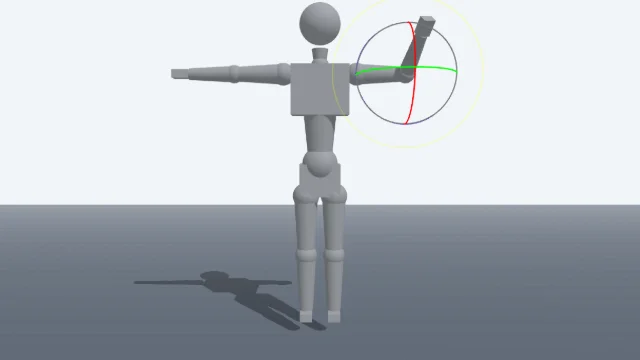
Pose 3D characters and build scenes for film and animation references.

Watercolor Painter
Interactive watercolor painting with realistic fluid dynamics and paper effects.
Voxel Art Studio
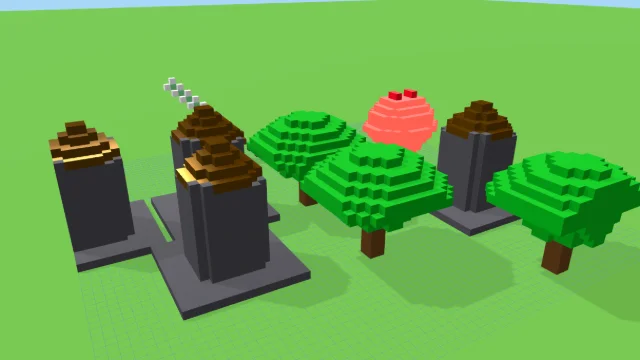
Browser-based volumetric 3D studio. Build, paint, and extrude voxels using symmetry tools and custom physical material properties (metal, glass, neon). Features an Asset Creator workspace, environment controls, and exports to OBJ, VOX, and PNG.
Pixel Art Forge
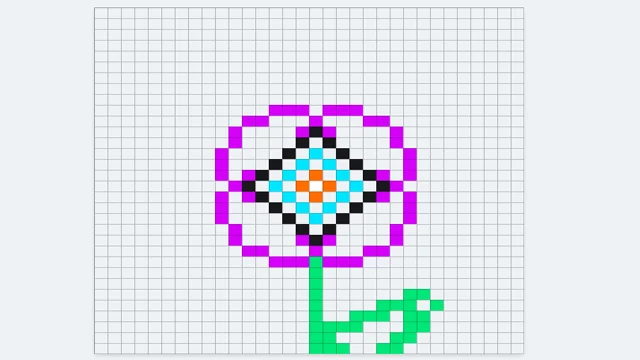
Multi-layer, multi-frame pixel art editor and animator with palette management, onion-skinning, sprite-sheet export, and image-to-pixel import.
Vertex Grid
DESIGNStudio
A grid of variable-corner-radius cards. Drag shared corner nodes, apply mathematical presets, or randomize for generative compositions.
UpdatedJun 2026
ExportsPNG, JPG, SVG
Runs onAny browser
PriceFree
Overview
A dynamic design playground.
Vertex Grid is a small layout tool that lets you compose a grid of cards where each corner radius is independently adjustable. The interesting bit is the shared corner nodes: each grid intersection is a single draggable handle that controls all four adjacent corner radii at once.
Apply a mathematical preset (linear, exponential, sinusoidal) to roll a whole grid at once, or use Shuffle for a random generative composition.
Features
Built for design-scale experimentation.
01 / Spotlight
Variable per-corner-radius grid
With draggable shared corner nodes.
02
Mathematical presets (linear
Exponential, sinusoidal) and random shuffle for generative compositions.
03
Export as PNG
JPG, or SVG; the SVG preserves exact corner geometry.
How to use
Workflow
Steps take about a minute.
Drag any corner node on the grid to bend the surrounding corners. Use the sidebar to apply a mathematical preset, or Shuffle for a random composition. Export PNG, JPG, or SVG from the toolbar.
Use cases
What people use it for
Composing generative grids with variable corner radiiCreating abstract layout studies and bento-style designsExploring mathematical presets (linear, exponential, sinusoidal)Exporting SVG geometry for use in vector editors or design tools
FAQ
Common questions
How does a shared corner node work?+
Each grid intersection is a single handle that controls all four adjacent corner radii. Move it inward and the four corners of the surrounding cards all get tighter; move it outward and they all soften.
Can I save a layout?+
Not directly. Use SVG export to capture the geometry exactly; PNG or JPG for a rasterized version. The SVG file can be re-imported into any vector editor for further work.
Related
More design apps
Scene Poser
Pose 3D characters and build scenes for film and animation references.
Watercolor Painter
Interactive watercolor painting with realistic fluid dynamics and paper effects.
Voxel Art Studio
Browser-based volumetric 3D studio. Build, paint, and extrude voxels using symmetry tools and custom physical material properties (metal, glass, neon). Features an Asset Creator workspace, environment controls, and exports to OBJ, VOX, and PNG.
Pixel Art Forge
Multi-layer, multi-frame pixel art editor and animator with palette management, onion-skinning, sprite-sheet export, and image-to-pixel import.