Loading FLUXCADE...
Magnetic Field
Loading Magnetic Field...
Magnetic Field
PHYSICSStudio
A magnetic dipole field-line visualizer: drag the poles around and watch the field re-thread itself in real time.
UpdatedMar 2026
ExportsPNG, JPG
Runs onAny browser
PriceFree
Overview
A dynamic physics playground.
Magnetic Field renders the field of one or more magnetic dipoles. Each field line is traced forward and backward from a starting point on a small circle around a pole, giving you the classic looping pattern of a bar magnet.
Drag the poles anywhere, add more dipoles, or change the field-line count to see how the pattern reacts.
Features
Built for physics-scale experimentation.
01 / Spotlight
Field lines traced
Forward and backward from poles; supports one or more dipoles.
02
Drag poles to
Reposition; add or remove dipoles from the sidebar.
03
Adjustable field-line count
Integration step, and trail fade; export PNG or JPG.
How to use
Workflow
Steps take about a minute.
Drag the poles to reposition them. Use the sidebar to add or remove dipoles, change the field-line count, and adjust the integration step. Reset clears the trails; Export PNG/JPG saves a frame.
Use cases
What people use it for
Visualizing magnetic dipole field lines for physics teachingDemonstrating magnetostatics and how field lines formCreating electromagnetic visuals for presentations or contentExploring multi-dipole field interactions interactively
FAQ
Common questions
Are these real field lines?+
They're integrated from the analytic dipole field, so yes — each line is the true integral curve of the dipole field, including the loops that emerge from a real bar magnet.
Why do some lines end mid-air?+
Field lines should close on themselves, but the integrator can drift if the step size is too large. Lower the integration step in the sidebar for cleaner closed curves.
Related
More physics apps
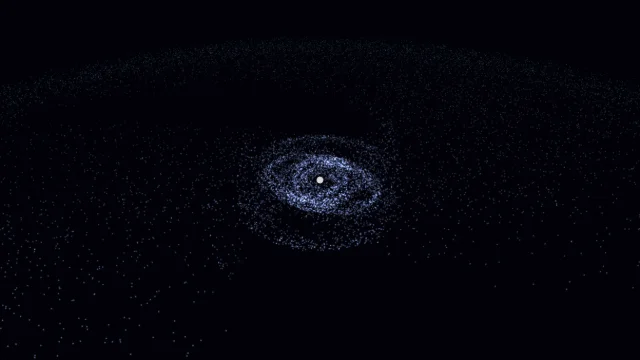
Galaxy Sim
Simulate spiral galaxies, dark matter effects, and galaxy collisions in real time.
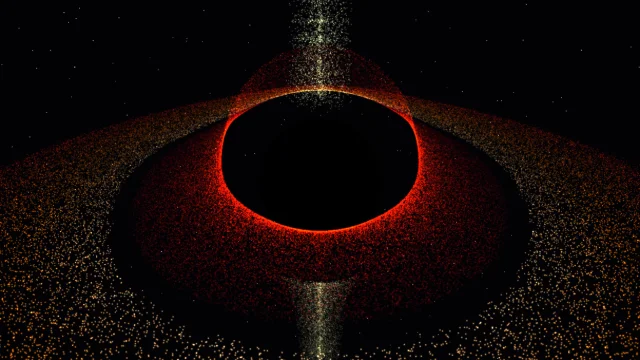
Black Hole
Visualize a black hole with gravitational lensing, Doppler beaming, and an accretion disk.

Fluid Dynamics
Inject colorful dye into a real-time fluid and watch it swirl.
Wave Sim
Create water ripples and watch them interact with realistic wave interference.
Magnetic Field
PHYSICSStudio
A magnetic dipole field-line visualizer: drag the poles around and watch the field re-thread itself in real time.
UpdatedMar 2026
ExportsPNG, JPG
Runs onAny browser
PriceFree
Overview
A dynamic physics playground.
Magnetic Field renders the field of one or more magnetic dipoles. Each field line is traced forward and backward from a starting point on a small circle around a pole, giving you the classic looping pattern of a bar magnet.
Drag the poles anywhere, add more dipoles, or change the field-line count to see how the pattern reacts.
Features
Built for physics-scale experimentation.
01 / Spotlight
Field lines traced
Forward and backward from poles; supports one or more dipoles.
02
Drag poles to
Reposition; add or remove dipoles from the sidebar.
03
Adjustable field-line count
Integration step, and trail fade; export PNG or JPG.
How to use
Workflow
Steps take about a minute.
Drag the poles to reposition them. Use the sidebar to add or remove dipoles, change the field-line count, and adjust the integration step. Reset clears the trails; Export PNG/JPG saves a frame.
Use cases
What people use it for
Visualizing magnetic dipole field lines for physics teachingDemonstrating magnetostatics and how field lines formCreating electromagnetic visuals for presentations or contentExploring multi-dipole field interactions interactively
FAQ
Common questions
Are these real field lines?+
They're integrated from the analytic dipole field, so yes — each line is the true integral curve of the dipole field, including the loops that emerge from a real bar magnet.
Why do some lines end mid-air?+
Field lines should close on themselves, but the integrator can drift if the step size is too large. Lower the integration step in the sidebar for cleaner closed curves.
Related
More physics apps
Galaxy Sim
Simulate spiral galaxies, dark matter effects, and galaxy collisions in real time.
Black Hole
Visualize a black hole with gravitational lensing, Doppler beaming, and an accretion disk.
Fluid Dynamics
Inject colorful dye into a real-time fluid and watch it swirl.
Wave Sim
Create water ripples and watch them interact with realistic wave interference.