Loading FLUXCADE...
Wave Sim
Loading Wave Sim...
Wave Sim
PHYSICSStudio
A 2D water-ripple and wave-interference simulator with click-to-splash and tunable damping.
UpdatedJan 2025
ExportsPNG, JPG
Runs onAny browser
PriceFree
Overview
A dynamic physics playground.
Wave Sim propagates ripples across a 2D grid. Each point exchanges amplitude with its neighbors, producing ripples that reflect off the edges and interfere with each other.
Click and drag to splash a new wave source, then watch it propagate. Tune damping to control how long ripples persist.
Features
Built for physics-scale experimentation.
01 / Spotlight
2D wave simulator
That runs in real time; ripples reflect and interfere naturally.
02
Click-and-drag to inject
Wave sources; ripples reflect off the edges and interfere.
03
Adjustable damping controls
How long ripples persist after each splash.
How to use
Workflow
Steps take about a minute.
Click and drag to start a wave. Adjust damping in the sidebar to make ripples fade faster or persist longer. Use Reset to clear the field, and Export PNG to save the current frame.
Use cases
What people use it for
Visualizing wave interference and ripple propagationTeaching 2D wave physics and how ripples interactCreating interactive water-ripple effects for demosGenerating wave-pattern stills for design work
FAQ
Common questions
Why don't ripples bounce off the edges cleanly?+
The default boundary is reflective, but extreme amplitudes can introduce ringing near the walls. Lower the splash intensity or move your clicks toward the center for the cleanest interference patterns.
Can I have multiple wave sources at once?+
Yes. Each click adds a new source. The grid sums them, so two clicks produce visible interference fringes where the waves meet.
Related
More physics apps
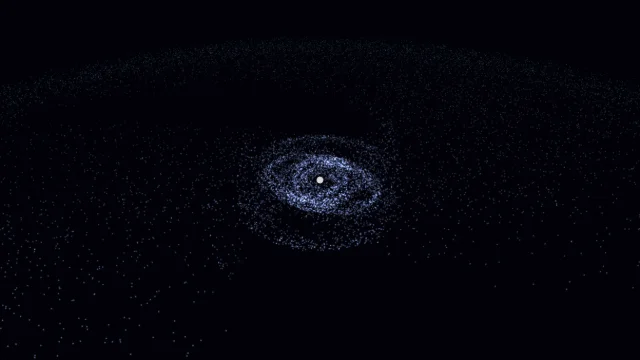
Galaxy Sim
Simulate spiral galaxies, dark matter effects, and galaxy collisions in real time.
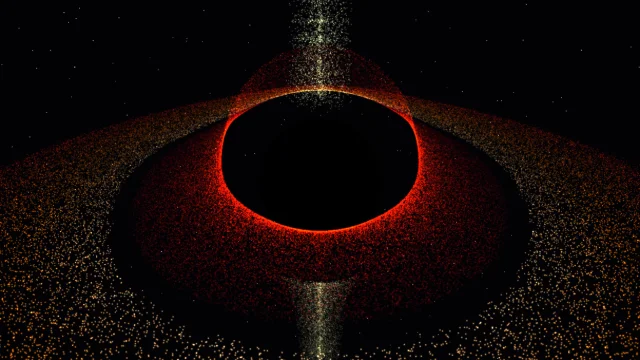
Black Hole
Visualize a black hole with gravitational lensing, Doppler beaming, and an accretion disk.

Fluid Dynamics
Inject colorful dye into a real-time fluid and watch it swirl.
Double Pendulum
Simulate chaotic motion with physics.
Wave Sim
PHYSICSStudio
A 2D water-ripple and wave-interference simulator with click-to-splash and tunable damping.
UpdatedJan 2025
ExportsPNG, JPG
Runs onAny browser
PriceFree
Overview
A dynamic physics playground.
Wave Sim propagates ripples across a 2D grid. Each point exchanges amplitude with its neighbors, producing ripples that reflect off the edges and interfere with each other.
Click and drag to splash a new wave source, then watch it propagate. Tune damping to control how long ripples persist.
Features
Built for physics-scale experimentation.
01 / Spotlight
2D wave simulator
That runs in real time; ripples reflect and interfere naturally.
02
Click-and-drag to inject
Wave sources; ripples reflect off the edges and interfere.
03
Adjustable damping controls
How long ripples persist after each splash.
How to use
Workflow
Steps take about a minute.
Click and drag to start a wave. Adjust damping in the sidebar to make ripples fade faster or persist longer. Use Reset to clear the field, and Export PNG to save the current frame.
Use cases
What people use it for
Visualizing wave interference and ripple propagationTeaching 2D wave physics and how ripples interactCreating interactive water-ripple effects for demosGenerating wave-pattern stills for design work
FAQ
Common questions
Why don't ripples bounce off the edges cleanly?+
The default boundary is reflective, but extreme amplitudes can introduce ringing near the walls. Lower the splash intensity or move your clicks toward the center for the cleanest interference patterns.
Can I have multiple wave sources at once?+
Yes. Each click adds a new source. The grid sums them, so two clicks produce visible interference fringes where the waves meet.
Related
More physics apps
Galaxy Sim
Simulate spiral galaxies, dark matter effects, and galaxy collisions in real time.
Black Hole
Visualize a black hole with gravitational lensing, Doppler beaming, and an accretion disk.
Fluid Dynamics
Inject colorful dye into a real-time fluid and watch it swirl.
Double Pendulum
Simulate chaotic motion with physics.