Loading FLUXCADE...
Optics Lab
Loading Optics Lab...
Optics Lab
PHYSICSStudio
An optics sandbox: place lasers, mirrors, lenses, and prisms on a workbench and watch the beams interact in real time.
UpdatedMar 2026
ExportsPNG, JPG
Runs onAny browser
PriceFree
Overview
A dynamic physics playground.
Optics Lab is a 3D physics sandbox for geometric optics. Place a laser on the workbench, drop a mirror in its path, then add a lens or a prism and see how the beam reflects, refracts, splits, and converges.
Right sidebar has three tabs: Environment (lighting, atmosphere), Inventory (the toolbox of optical elements), and Inspector (per-object tweaks like focal length and material).
Features
Built for physics-scale experimentation.
01 / Spotlight
Real-time geometric-optics solver
lasers, mirrors, lenses, prisms, beam splitters.
02
Three-tab right sidebar
Environment, Inventory, and Inspector for per-object tweaks.
03
Save your bench
To JSON and reload it later; export PNG or JPG of the current scene.
How to use
Workflow
Steps take about a minute.
Open the Inventory tab in the right sidebar, click an element (laser, mirror, lens, prism), then click on the workbench to place it. Use the Inspector tab to tweak each element. Drag to orbit the camera; scroll to zoom. Export PNG/JPG from the toolbar.
Use cases
What people use it for
Simulating geometric optics with lasers, mirrors, lenses, and prismsTeaching Snell's law, reflection, refraction, and beam splittingBuilding and saving custom optical bench setups via JSON exportCreating optics diagrams and visuals for presentations
FAQ
Common questions
Is the optics simulation accurate?+
It uses geometric ray tracing with Snell's law and thin-lens approximations. It's accurate for setups where you can ignore diffraction, coherence, and polarization, which covers most introductory optics scenarios.
Can I save a setup?+
Yes. The Inventory tab includes a Save / Load JSON for the current bench, so you can round-trip a working setup between sessions.
Related
More physics apps
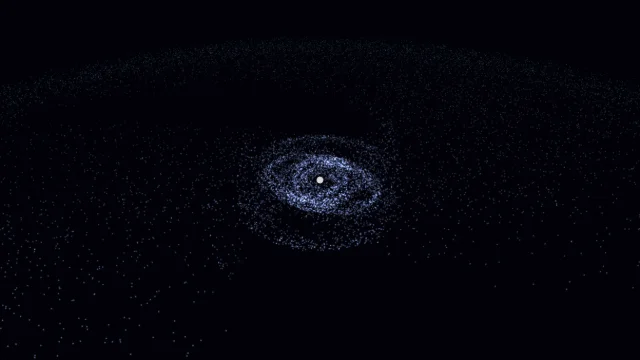
Galaxy Sim
Simulate spiral galaxies, dark matter effects, and galaxy collisions in real time.
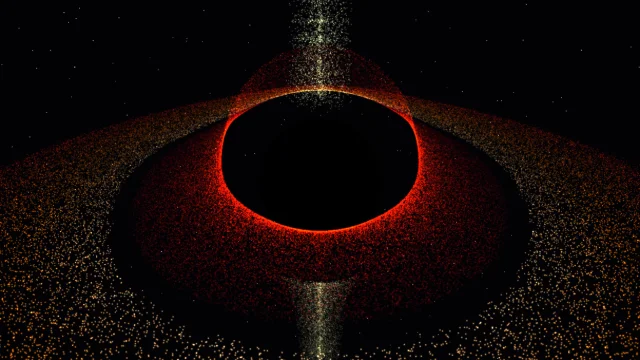
Black Hole
Visualize a black hole with gravitational lensing, Doppler beaming, and an accretion disk.
Fluid Dynamics
Inject colorful dye into a real-time fluid and watch it swirl.
Wave Sim
Create water ripples and watch them interact with realistic wave interference.
Optics Lab
PHYSICSStudio
An optics sandbox: place lasers, mirrors, lenses, and prisms on a workbench and watch the beams interact in real time.
UpdatedMar 2026
ExportsPNG, JPG
Runs onAny browser
PriceFree
Overview
A dynamic physics playground.
Optics Lab is a 3D physics sandbox for geometric optics. Place a laser on the workbench, drop a mirror in its path, then add a lens or a prism and see how the beam reflects, refracts, splits, and converges.
Right sidebar has three tabs: Environment (lighting, atmosphere), Inventory (the toolbox of optical elements), and Inspector (per-object tweaks like focal length and material).
Features
Built for physics-scale experimentation.
01 / Spotlight
Real-time geometric-optics solver
lasers, mirrors, lenses, prisms, beam splitters.
02
Three-tab right sidebar
Environment, Inventory, and Inspector for per-object tweaks.
03
Save your bench
To JSON and reload it later; export PNG or JPG of the current scene.
How to use
Workflow
Steps take about a minute.
Open the Inventory tab in the right sidebar, click an element (laser, mirror, lens, prism), then click on the workbench to place it. Use the Inspector tab to tweak each element. Drag to orbit the camera; scroll to zoom. Export PNG/JPG from the toolbar.
Use cases
What people use it for
Simulating geometric optics with lasers, mirrors, lenses, and prismsTeaching Snell's law, reflection, refraction, and beam splittingBuilding and saving custom optical bench setups via JSON exportCreating optics diagrams and visuals for presentations
FAQ
Common questions
Is the optics simulation accurate?+
It uses geometric ray tracing with Snell's law and thin-lens approximations. It's accurate for setups where you can ignore diffraction, coherence, and polarization, which covers most introductory optics scenarios.
Can I save a setup?+
Yes. The Inventory tab includes a Save / Load JSON for the current bench, so you can round-trip a working setup between sessions.
Related
More physics apps
Galaxy Sim
Simulate spiral galaxies, dark matter effects, and galaxy collisions in real time.
Black Hole
Visualize a black hole with gravitational lensing, Doppler beaming, and an accretion disk.
Fluid Dynamics
Inject colorful dye into a real-time fluid and watch it swirl.
Wave Sim
Create water ripples and watch them interact with realistic wave interference.