Loading FLUXCADE...
3D Paint Pendulum
Loading 3D Paint Pendulum...
3D Paint Pendulum
PHYSICSStudio
A pendulum sandbox that swings a dripping paint can over paper, building up realistic paint spill patterns.
UpdatedMar 2026
ExportsPNG, JPG
Runs onAny browser
PriceFree
Overview
A dynamic physics playground.
3D Paint Pendulum is a small physics sandbox: a paint can hangs from a swinging pivot above a piece of paper. The can drips as it swings, leaving trails of color that build up into a paint-spill pattern over time.
Tune the pendulum length, mass, and gravity; pick a paint color and a drip rate; pick the paper background. Two right-sidebar tabs separate the pendulum controls from the paint controls.
Features
Built for physics-scale experimentation.
01 / Spotlight
Real-time pendulum with
Adjustable length, mass, gravity, and damping.
02
Paint can drips
At a configurable rate, leaving fading trails on the paper below.
03
Right sidebar has
Separate Pendulum and Paint tabs; export PNG or JPG of the final spill.
How to use
Workflow
Steps take about a minute.
Click Play to start the pendulum swinging. Open the Pendulum tab to tune length, mass, gravity, and damping. Open the Paint tab to pick a color and drip rate. Export PNG/JPG from the toolbar.
Use cases
What people use it for
Creating generative paint-spill art from physics simulationExploring pendulum motion and drip-pattern compositionGenerating abstract backgrounds for design workRelaxing creative play with physics-driven painting
FAQ
Common questions
Can I have multiple pendulums?+
Not in the current build. The simulation is a single pendulum with one paint can. Layered effects come from letting one can drip for a long time, or by switching colors partway through.
Why are the trails so long?+
Drip trails persist until the paper is Reset. The trail length is set by the simulation duration; use Reset to start a new spill.
Related
More physics apps
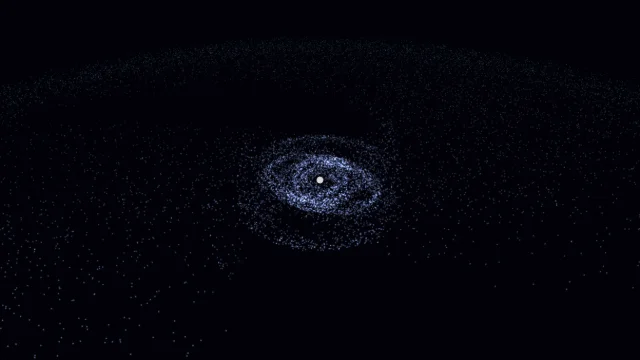
Galaxy Sim
Simulate spiral galaxies, dark matter effects, and galaxy collisions in real time.
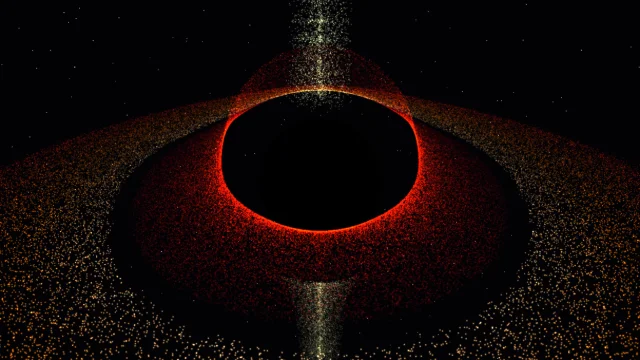
Black Hole
Visualize a black hole with gravitational lensing, Doppler beaming, and an accretion disk.
Fluid Dynamics
Inject colorful dye into a real-time fluid and watch it swirl.
Wave Sim
Create water ripples and watch them interact with realistic wave interference.
3D Paint Pendulum
PHYSICSStudio
A pendulum sandbox that swings a dripping paint can over paper, building up realistic paint spill patterns.
UpdatedMar 2026
ExportsPNG, JPG
Runs onAny browser
PriceFree
Overview
A dynamic physics playground.
3D Paint Pendulum is a small physics sandbox: a paint can hangs from a swinging pivot above a piece of paper. The can drips as it swings, leaving trails of color that build up into a paint-spill pattern over time.
Tune the pendulum length, mass, and gravity; pick a paint color and a drip rate; pick the paper background. Two right-sidebar tabs separate the pendulum controls from the paint controls.
Features
Built for physics-scale experimentation.
01 / Spotlight
Real-time pendulum with
Adjustable length, mass, gravity, and damping.
02
Paint can drips
At a configurable rate, leaving fading trails on the paper below.
03
Right sidebar has
Separate Pendulum and Paint tabs; export PNG or JPG of the final spill.
How to use
Workflow
Steps take about a minute.
Click Play to start the pendulum swinging. Open the Pendulum tab to tune length, mass, gravity, and damping. Open the Paint tab to pick a color and drip rate. Export PNG/JPG from the toolbar.
Use cases
What people use it for
Creating generative paint-spill art from physics simulationExploring pendulum motion and drip-pattern compositionGenerating abstract backgrounds for design workRelaxing creative play with physics-driven painting
FAQ
Common questions
Can I have multiple pendulums?+
Not in the current build. The simulation is a single pendulum with one paint can. Layered effects come from letting one can drip for a long time, or by switching colors partway through.
Why are the trails so long?+
Drip trails persist until the paper is Reset. The trail length is set by the simulation duration; use Reset to start a new spill.
Related
More physics apps
Galaxy Sim
Simulate spiral galaxies, dark matter effects, and galaxy collisions in real time.
Black Hole
Visualize a black hole with gravitational lensing, Doppler beaming, and an accretion disk.
Fluid Dynamics
Inject colorful dye into a real-time fluid and watch it swirl.
Wave Sim
Create water ripples and watch them interact with realistic wave interference.